Overview
Anvil gives you visibility into what's happening inside your Control4 driver. See every event received by your driver in real time, understand the proxy commands and events you're receiving, and catch errors before they become mysteries.
The Problem
Developing Control4 drivers can feel like working in the dark:
- Events are opaque - Proxies call your driver's code, but it can be hard to know which commands are being received, what data they're sent with, and which events need to be handled in your driver. Anvil surfaces this in a real time feed so you know exactly what you need to implement and respond to.
- Errors vanish - Uncaught errors are easy to miss, relying on text logging that easily gets lost between Composer refreshes and driver reloads. Anvil captures all unhandled errors and retains them so you can see what your driver is doing at any time.
- Debugging is painful - Print statements and log diving only get you so far. Anvil's automatic log, event and error capture gives you immediate insight into exactly what your driver is doing.
What Anvil Does
The Anvil SDK automatically captures proxy commands, life-cycle events and callbacks, logs and errors in your driver and streams them in real time to the Anvil platform so you can see exactly what's happening in your driver.

See every event - Watch OnPropertyChanged, ExecuteCommand, ReceivedFromProxy and 100+ other handlers fire in real-time. See the exact arguments Control4 passed to each one.
Catch errors instantly - When something throws, you'll see the full stack trace and the context that caused it. No more silent failures.
Understand the proxies - Learn what proxies send your driver when users interact with it. See exactly what Control4 sends in response to user action to rapidly understand what needs implementing in your driver. No more guessing what Control4 sends — see the event appear in real time within the Anvil platform as actions are taken in navigators, network responses, timer callbacks and more.
How It Works
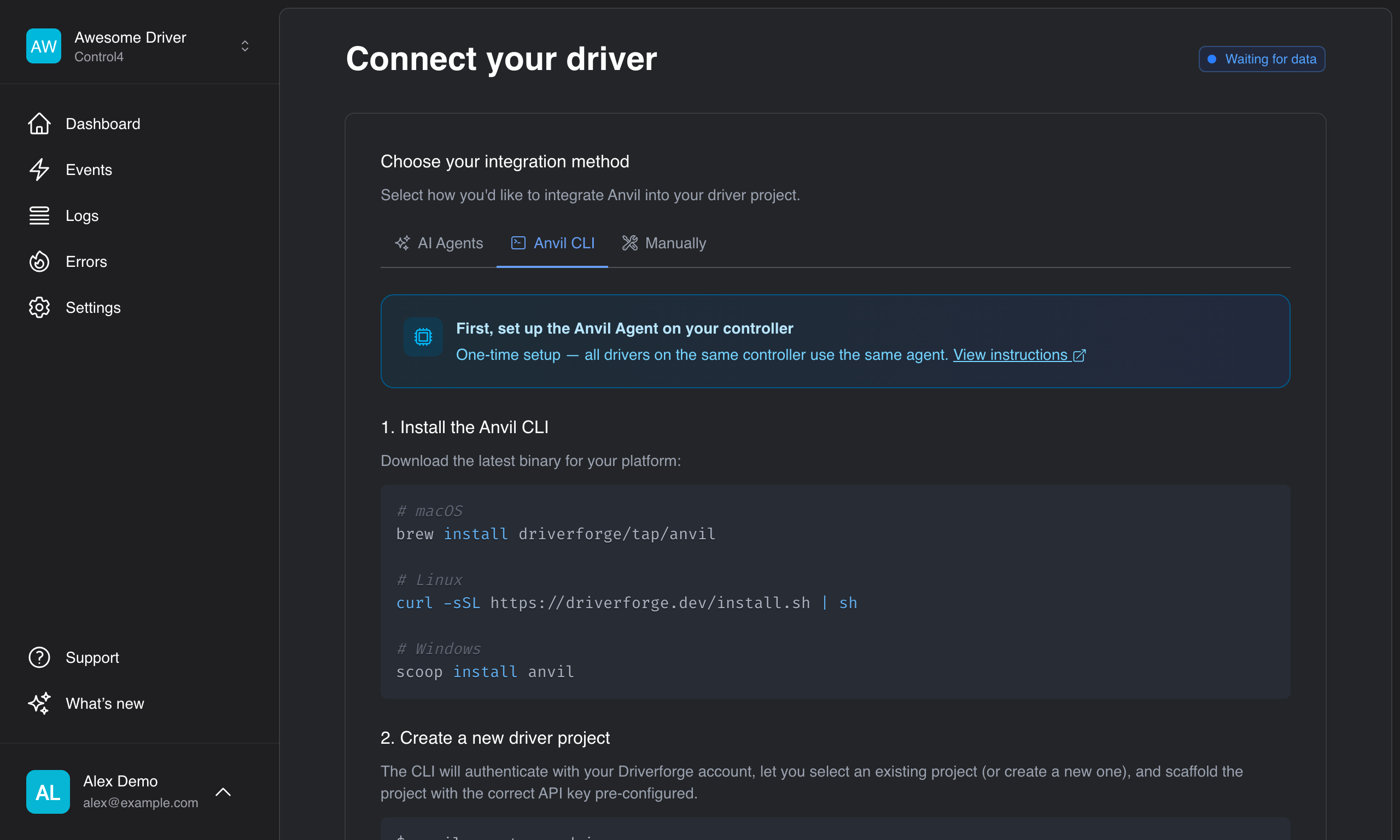
- Install the Agent - A system driver on your dev controller that streams data to Anvil
- Add the Anvil SDK - A small Lua library that instruments your driver automatically
- Watch the stream - Events appear in real-time as your driver runs
Getting Started
Ready to see what your driver is actually doing? Start with the Quick Start guide.