Billing
The Settings → Billing page is where you manage how your organization pays and review what you've been charged.
Managing billing requires the owner or admin role. Billing is per organization — each one has its own payment methods and invoice history.
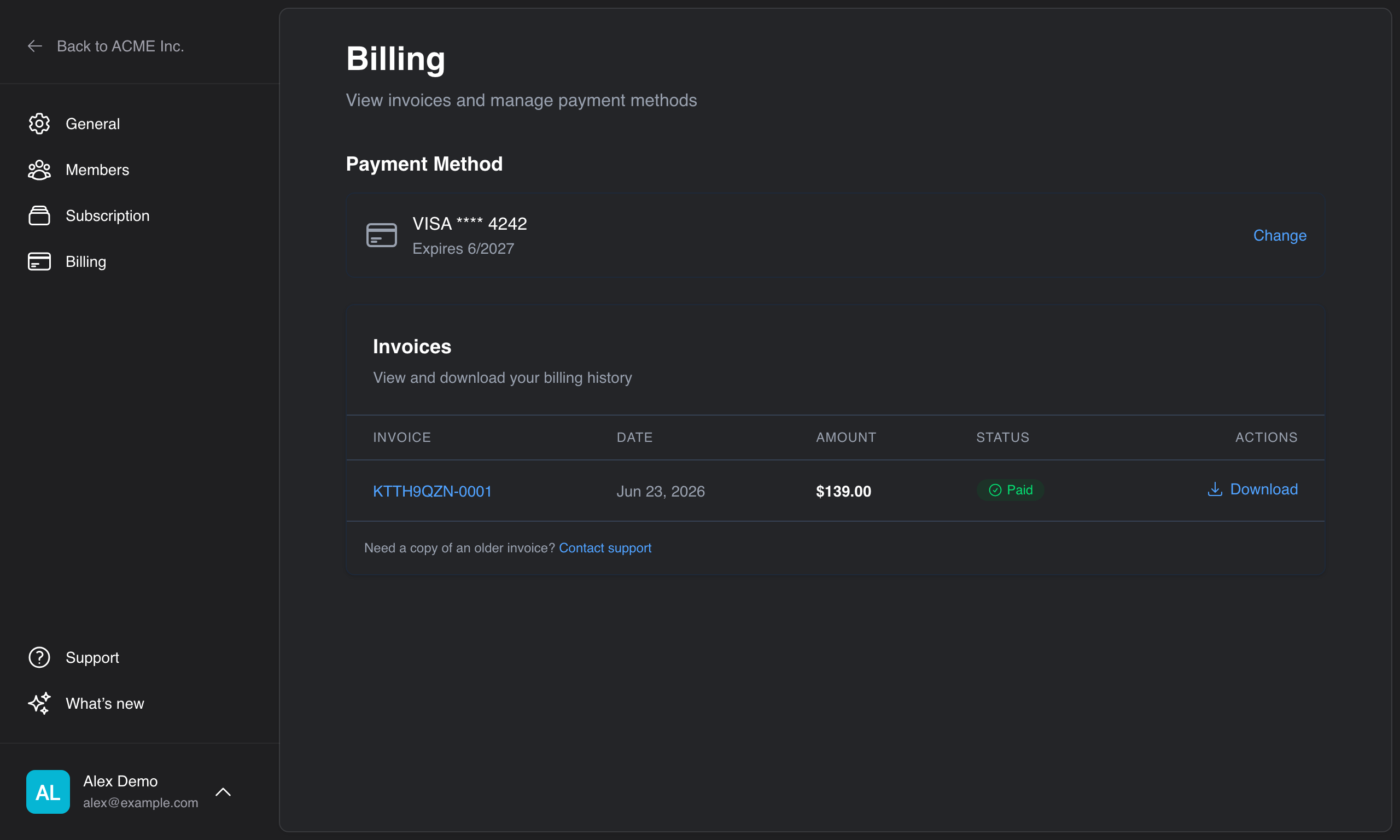
Payment methods
The card marked as default is the one used for your subscription.
- On the Billing page, click Add Payment Method (or Change payment method if one is already on file).
- Enter your card details and save.
Cards are handled securely through our payment processor — Anvil never stores your full card number. You can add more than one card, change which is the default, and remove cards you no longer use.
Billing details
When you add or update payment, you can also provide a billing address and tax ID so your invoices show the correct tax for your region.
Invoices
Your recent invoices are listed with their date, amount, and status (for example Paid or Open). Each invoice links to a downloadable PDF and a hosted copy you can view or print.
Further reading
- Subscription — view your plan and usage, upgrade, downgrade, or cancel
- Plans — what each tier includes